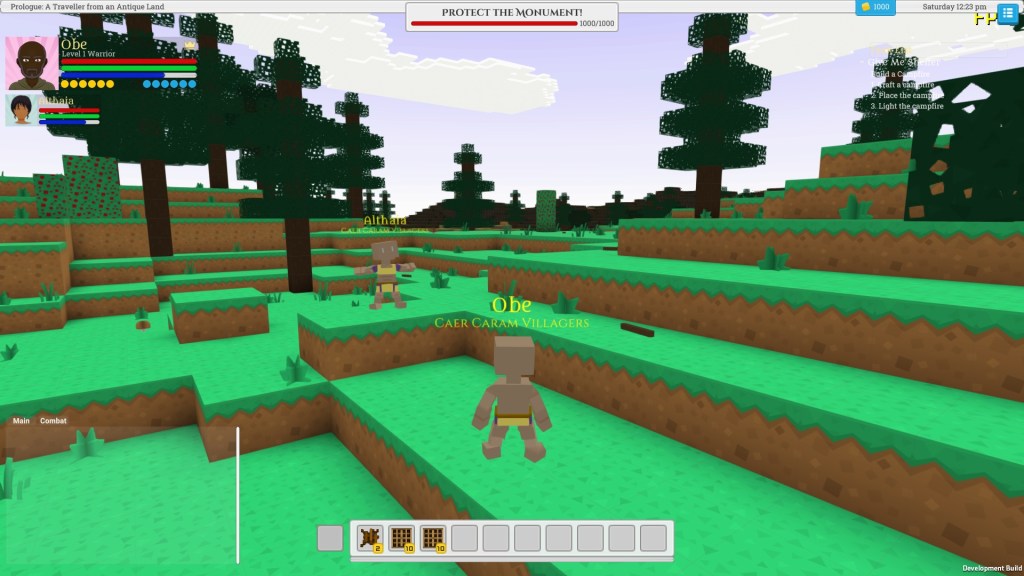
I have implemented multiplayer in Soul Invictus using Unity Netcode for GameObjects and a transport layer which uses Facepunch Steamworks API. This reflects my lobby system and although has a few integration foibles around when you login and out to steam, seems to work well and has a symmetry which I like. Obviously this means you need a steam connection to play multiplayer, but as this was mainly my intention for the game, I don’t see this as a big issue.
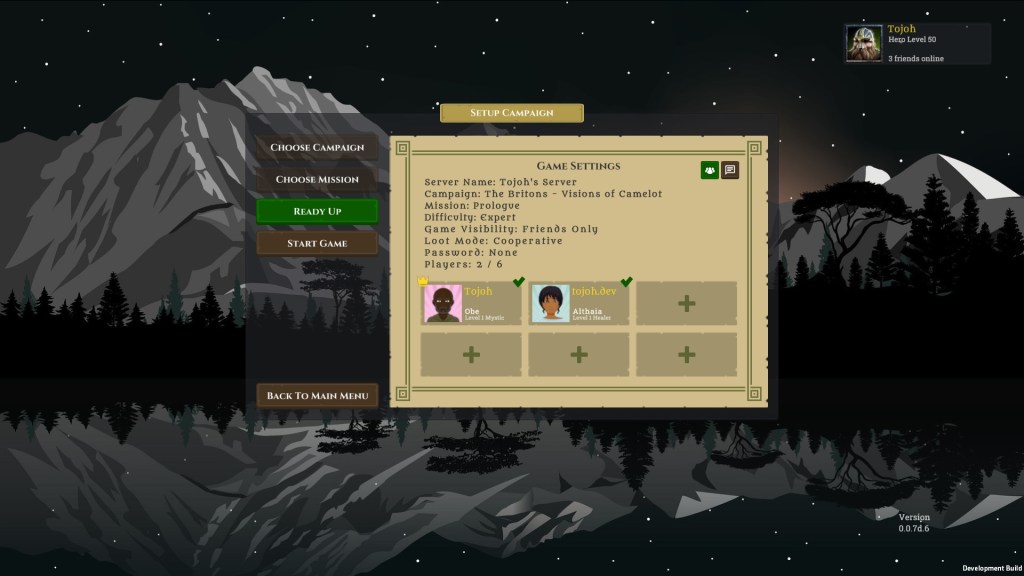
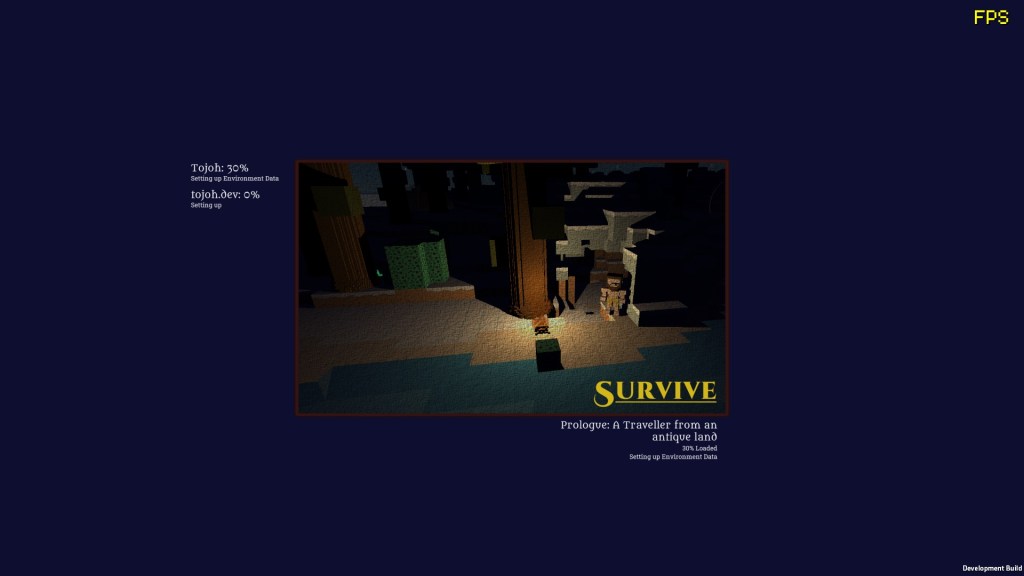
The player can create games using the steam lobby described in my previous posts, and once everyone has readied up, initiate the game session. At this point a loading screen synchronises the map for everyone and you load and initialise the network characters and other background data for the level. Once all clients are complete, the server starts the game and the story cutscene appears synced to all clients. At the moment I have auto-set everyone in the campaign to be in the same party, and each player can see their team mates health bar in their HUD and location on the game map menu. There is more to do around synchronised building that I will discuss in my upcoming post on the building system but the basics of interacting with the world and moving around are all there.
In order to develop the multiplayer system, once I had my steam lobby setup, I started translating my existing singleplayer game to Unity’s new Netcode for GameObjects structure. This involved identifying what needed to be NetObjects, refactoring a load of methods to be Server RPC calls and providing sensible client responses back, and converting a lot of data objects to be either unmanaged structs or otherwise have custom serialisation logic built into them.
Needless to say my work was cut out for me, I especially had a hard time in sensibly managing the database and record provision for my server vs my clients. In the end I settled for breaking the data records into two behaviours, identified by interfaces, I then put a wall in place to ensure exceptions were thrown if the wrong interface was being sent to a server or client method. This allowed me to still use my existing two database system where secure unchanging game structure data is stored in a master database, and changing game session data is hosted only by the server and requested through secured clean RPC calls. If I was hosting a databases on dedicated servers rather than game clients, I might have chosen a more database driven architecture, but I think for my needs this strategy suited the best.
Another consideration that tripped me up a few times was in partitioning what was a NetworkObject with serialised attributes auto-replicated across the network and what was a plain old client specific GameObject that was manually maintained to be synced with the server. I went backwards and forwards on this a few times, as, because Unity uses inheritance to define network behaviour, it was really tricky to get the balance right of what had to inherit from NetworkBehaviour or MonoBehaviour classes.
For example, if I made a prefab representing a monument a full blown NetworkObject, I would need to parent it under other things that were network objects. As my code for switching on and off visibility of objects sits in a wrapper simply looks at the hierarchy of the chunk of terrain it sits on, the chunk itself needs to be a network object following the same rules. All of this quickly expands out to lots of things needing to be network objects and maintained as such that feels heavier weight than it should be. To avoid the need to maintain two separate pools of GameObjects chunks & terrain and the buildings and prefabs within them, and then manually sync them together when visibility or position changes, I sidestepped the issue by making buildings and prefabs managed locally, synced by RPC, similar to the terrain destruction behaviour I had put in place. This broke the entity relationship I had between buildings and characters, but it meant that managing destructible prefab buildings could use the same base code as destructible terrain, as per other voxel games like Minecraft.
For more on some of the history around my journey with Unity Multiplayer, see my post on Multiplayer Woes:


Leave a Reply