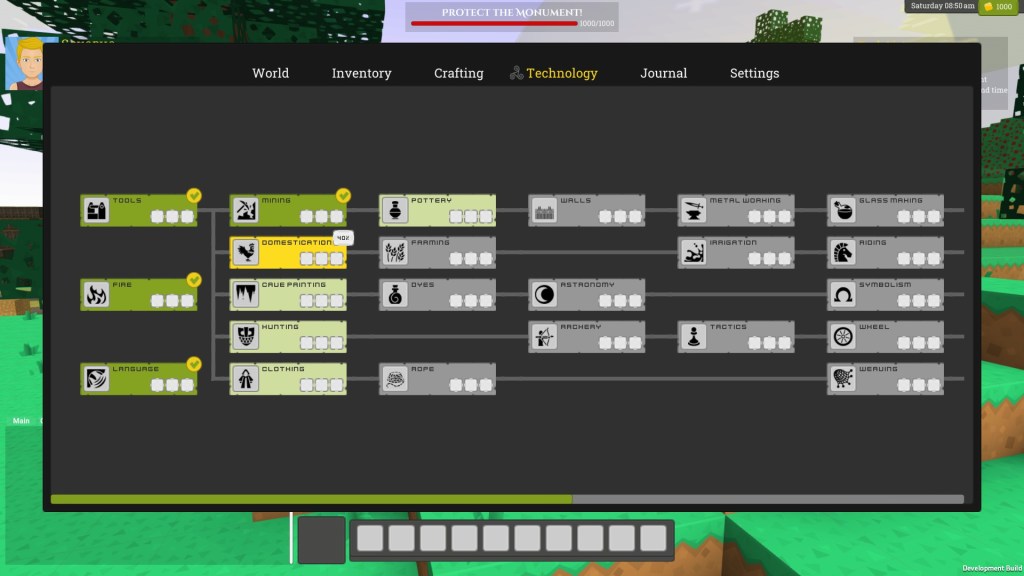
I am a big fan of minimal, flat UIs with good use of whitespace and decluttered from the visual noise and unnecessary trim you build up with more integrated or skeuomorphic design layouts. When I put together my multiplayer lobby for Soul Invictus I set out to move closer to this minimalist design taking inspiration from opening and title screens in games like Alien: Isolation and Assassin’s Creed1.
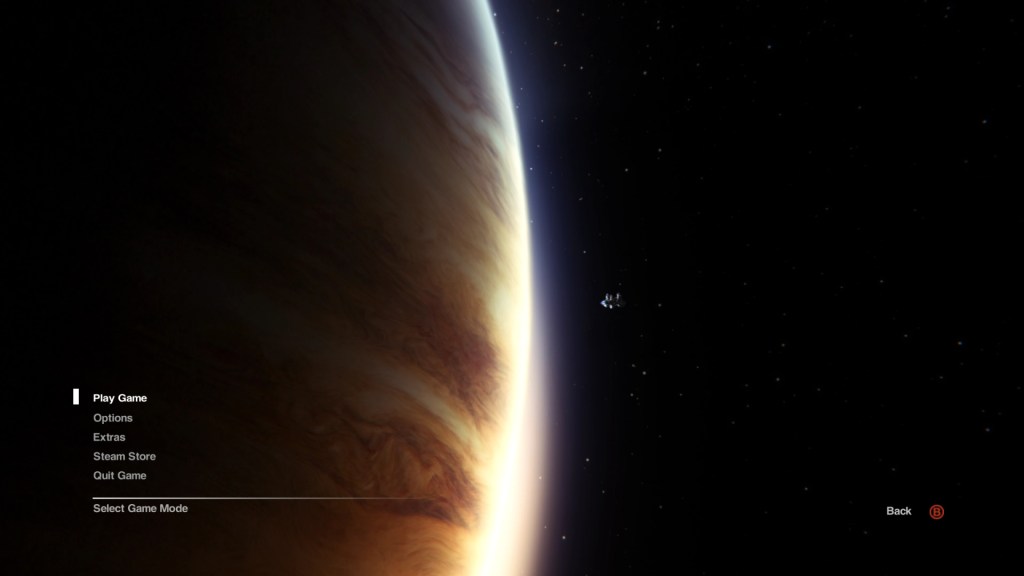
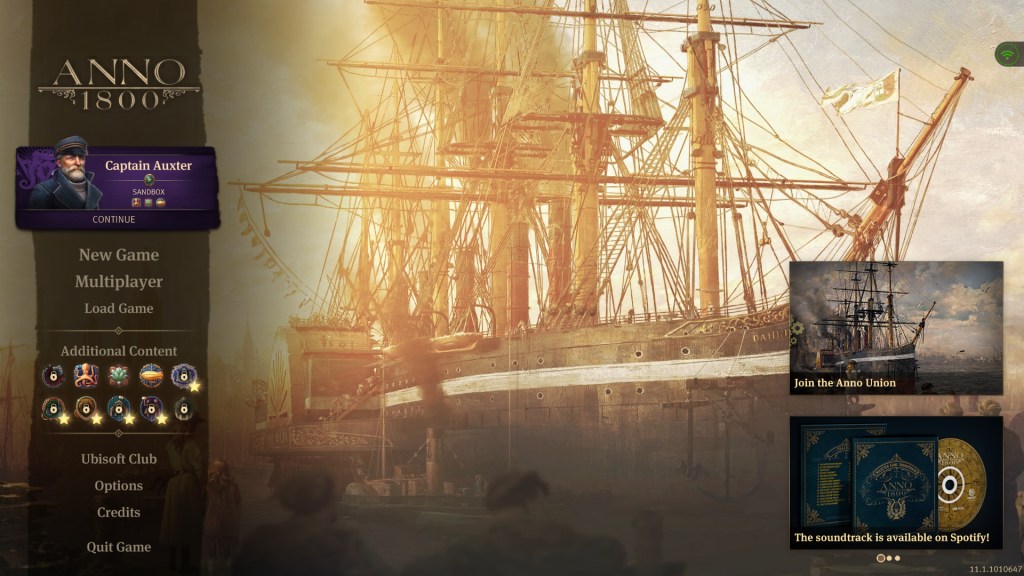
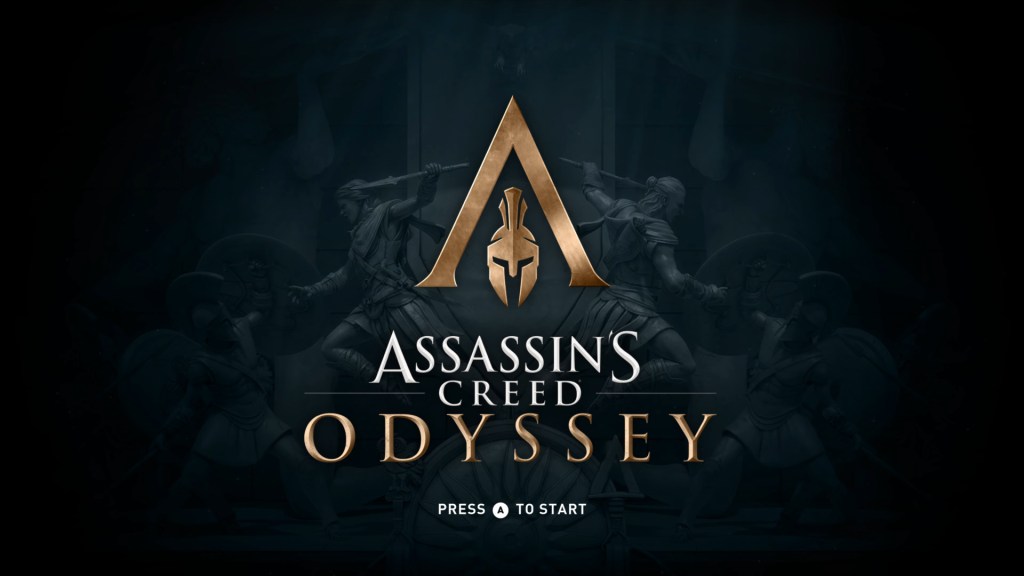
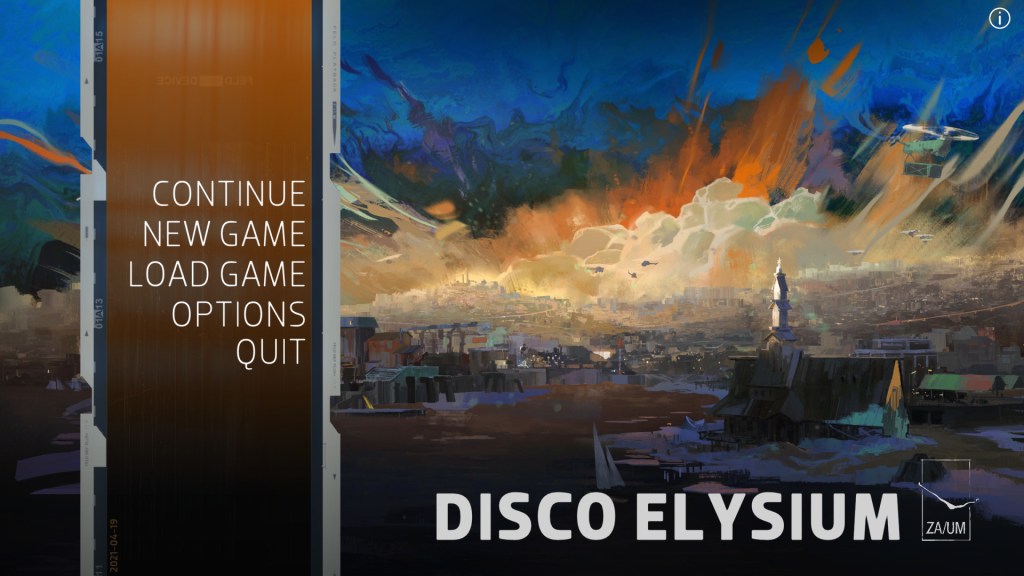
This is not particularly ground-breaking stuff, but it is quite easy to stray from this brief in development. My menu system, having evolved over a number of years, felt at odds with this design style and could do with a refresh. When creating my title menu I chose a night scene as the background image which worked really well in keeping the menu around it tight and clean with a dark-mode feel. I therefore recently took the decision to tidy up my in game menu and tie it closer to the title screen colouring and style.
I wanted to keep a fairly restricted palette but also keep a central theme tied to my logo. I chose to use yellow as a highlight colour to match my game logo, as the yellow seems to pop well against dark backgrounds. The issue with yellow as a colour is that it doesn’t do well against light shades and text. White text on yellow is something I really need to avoid if I am going to make a usable system. This consideration coupled with the need to avoid a monochromatic experience, caused me to fire up my go to palette designer in hunt for an accent colour and shade: https://color.adobe.com/.
One of the most memorable UI’s that resonated with me was for Blizzard’s ground-breaking RTS Warcraft 3. It was one of the first RTS’s I had come across to use 3D models, and it used them in conjunction with its trade-mark toon-style environment from the previous 2D Warcraft games. Not only that but it incorporated those models into the title menu and quite memorably, evolved the title menu based on which story campaign you were progressing. For me at the time this felt like a really cool set of concepts that made it stand out from other games.
I have always wanted to incorporate a little of these mechanics into my game, and as my character models won’t ever be at the necessary level of detail to incorporate them into the menu like Warcraft 3, Diablo 3 and Diablo 4 do, I thought I could do a more subtle nod to WC3 by having a variable colour scheme depending on what race you are playing. This has some pros and cons associated with it, not least the obvious con is that you have to colour match and deconflict menus across multiple colour schemes. Regardless, I chose the basic set of scheme’s below.
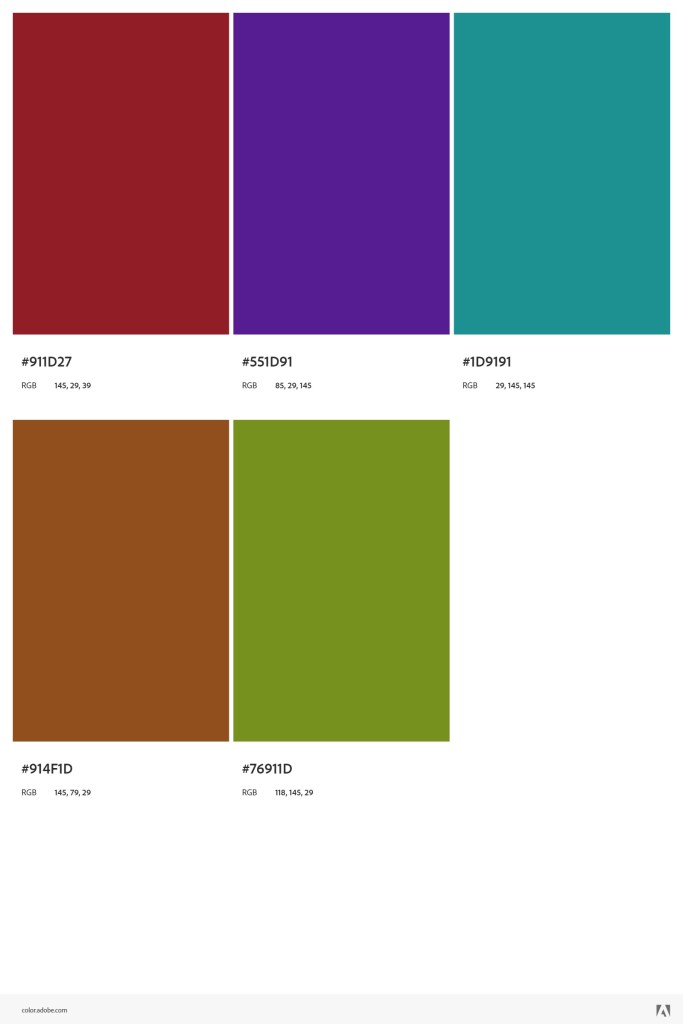
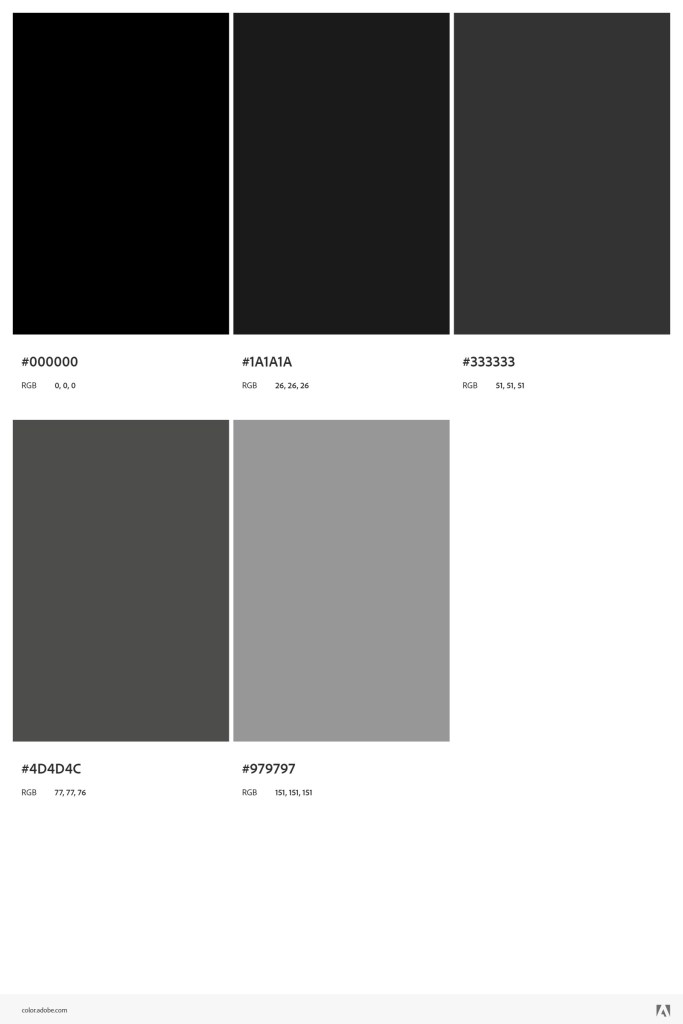
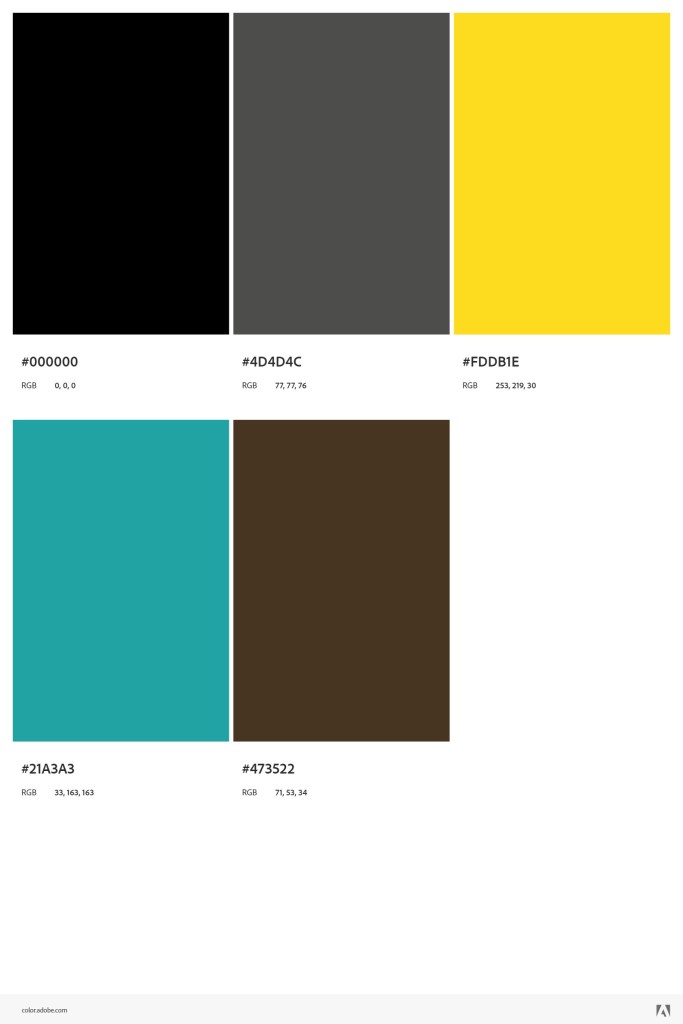
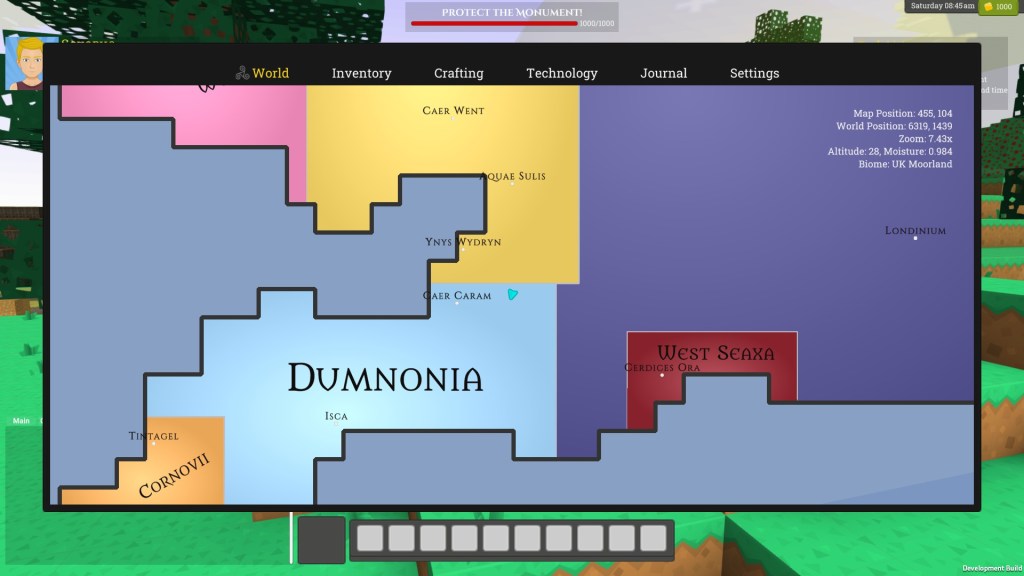
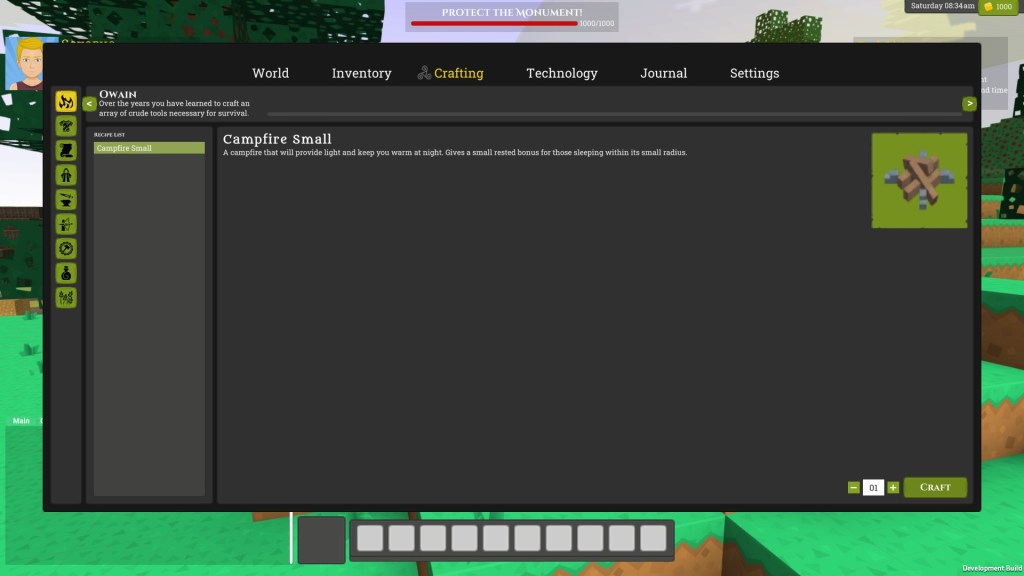
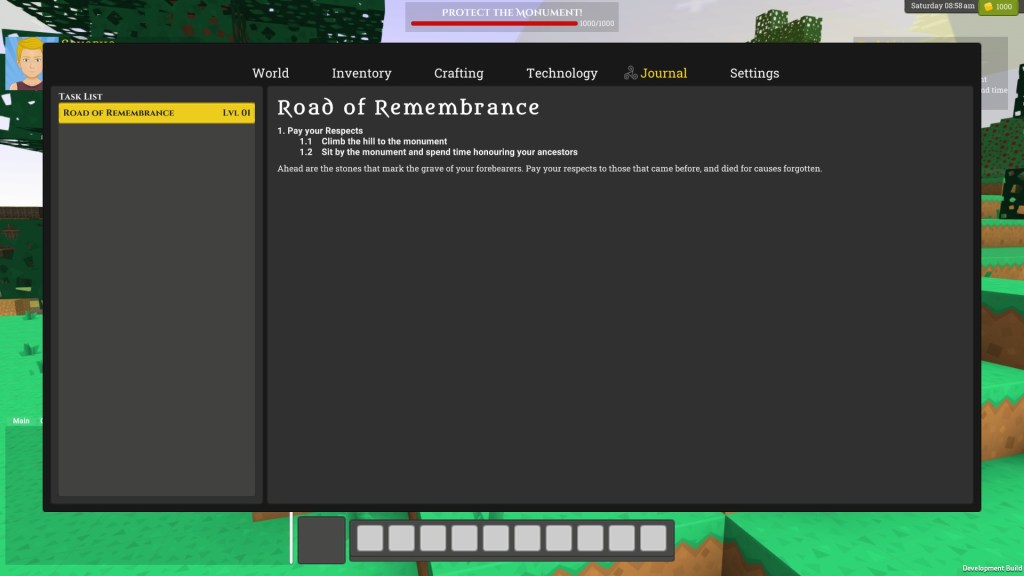
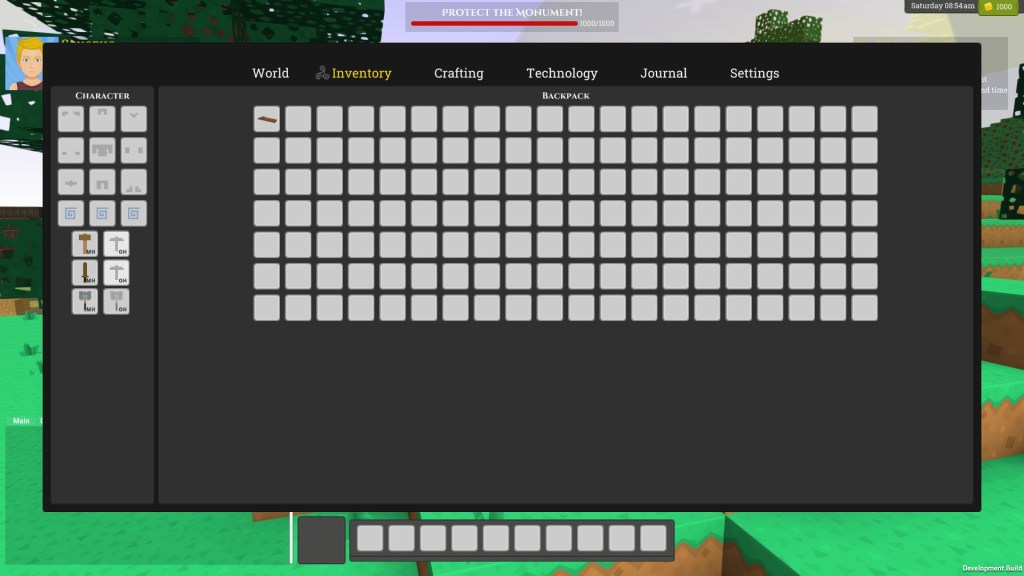
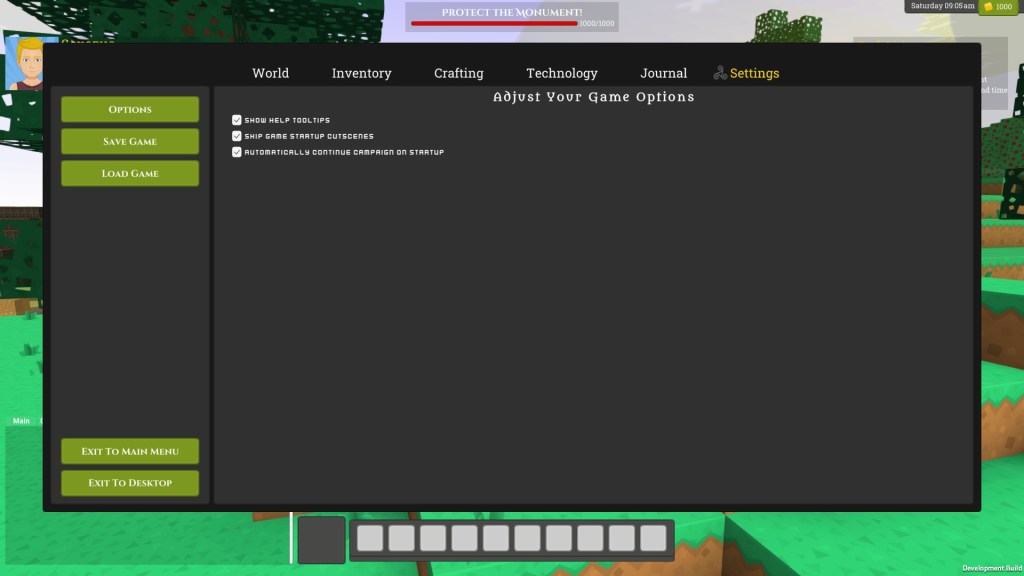
The middle shades of greyscale are the background colours the left hand side are the foreground colours, one for each race and the right hand side are a number of alternative accent and background colours for variation. I coupled this with a focus on the contrast of bevel vs flat backgrounds and alpha for the HUD vs opaque for the menu screens and came up with the following screens. I think I can do a lot more by adding some nice large graphics to the “whitespace” and tidying up some of the UI controls (like the horrible default unity scrollbar behaviour), but it feels like a good place to leave it for a while.
- These game screens are taken from the wonderful Game UI Database a great tool that I can heartily recommend and I refer to frequently when stuck for style inspiration. ↩︎


Leave a Reply